Step-by-Step Guide
From Registration to Your Own BV Mall Store
Follow these 3 simple steps to become a Blue Vitae SVIP member and open your BV Mall merchant store.
Register a Blue Vitae Account
Create your member account in just a few minutes
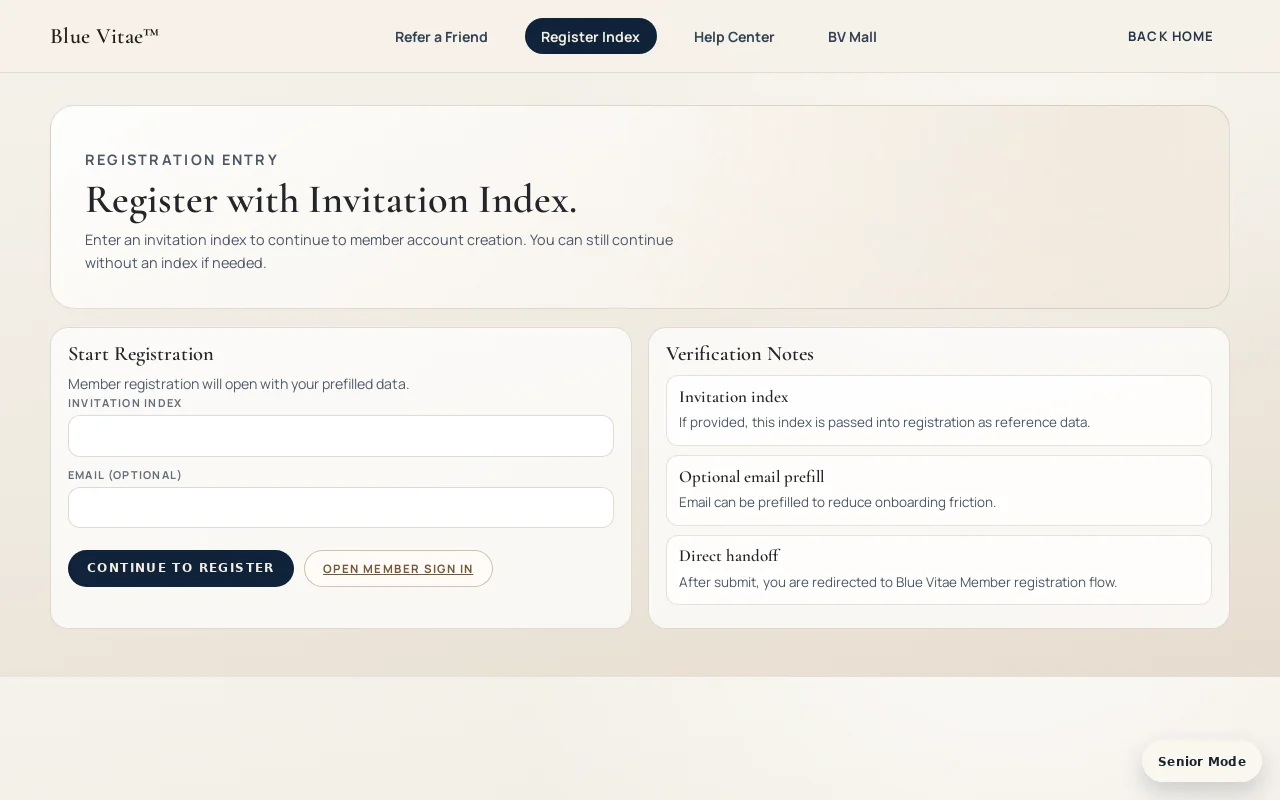
- Visit bluevitae.vip and click "Register" in the top navigation, or go directly to the registration page.
- Enter your Invitation Index (referral code from your sponsor). If you don't have one, you can still register.
- Fill in your email address and click "Continue to Register" to proceed.
- Complete the registration form: name, phone number, password. Verify your email with the code sent to your inbox.
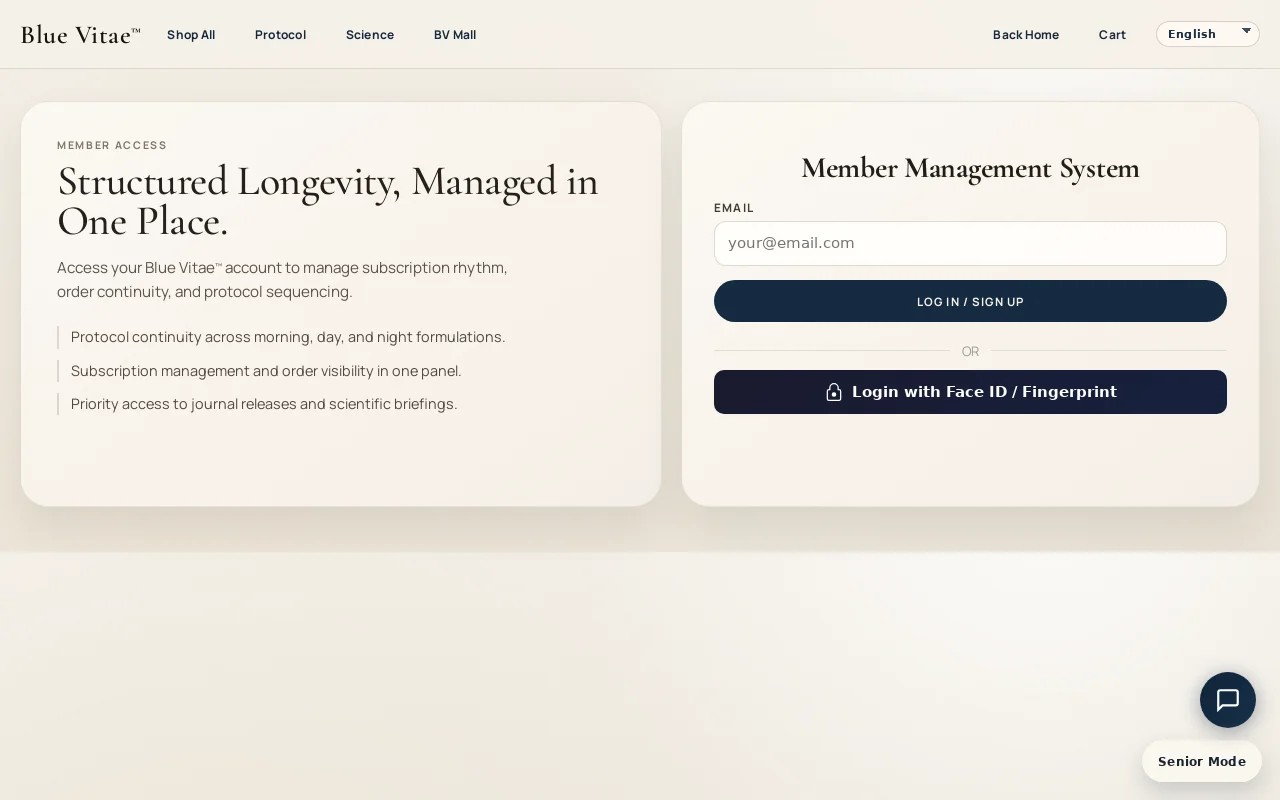
- Registration complete! You now have a Blue Vitae member account. Log in at the Member Center.
Purchase a Product & Activate SVIP
Your first order of 500PV (5 bottles) unlocks SVIP status and full member benefits
- Log in to your Blue Vitae account, then go to "Shop All" to browse our product collection.
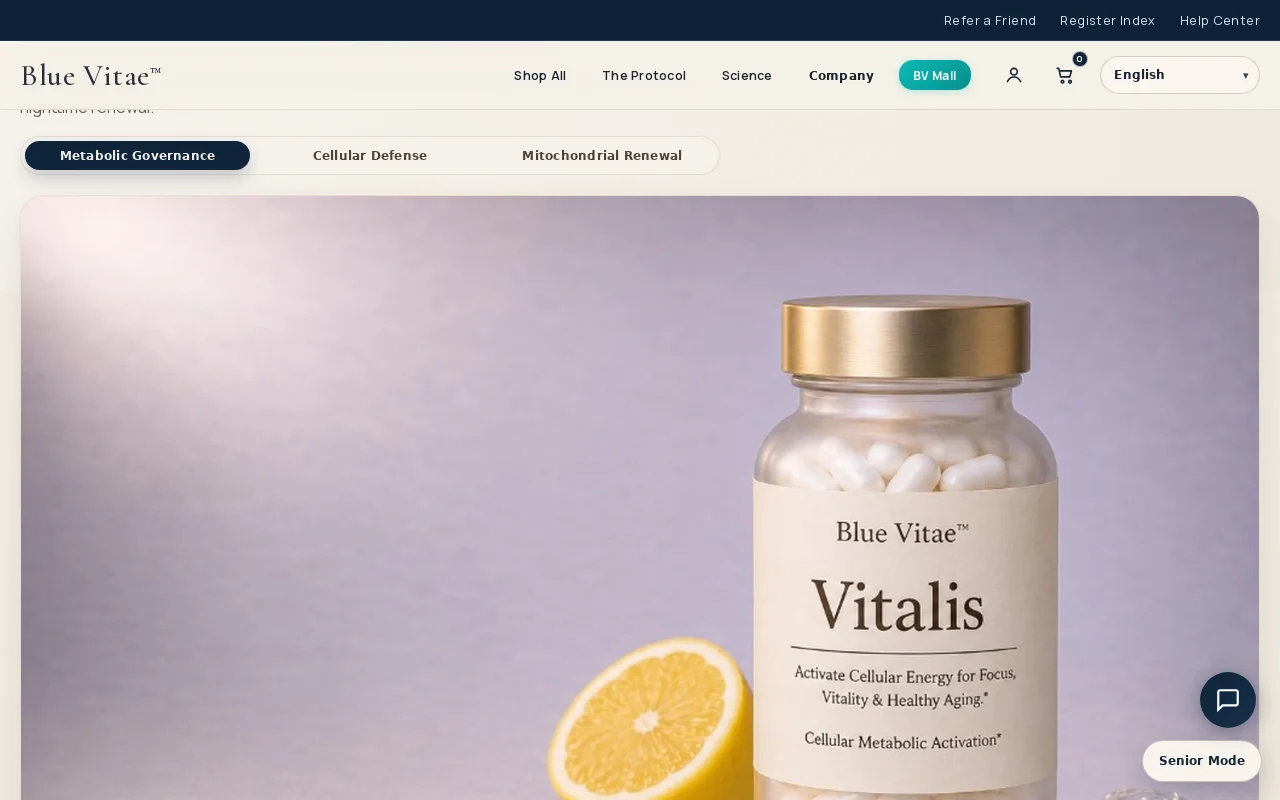
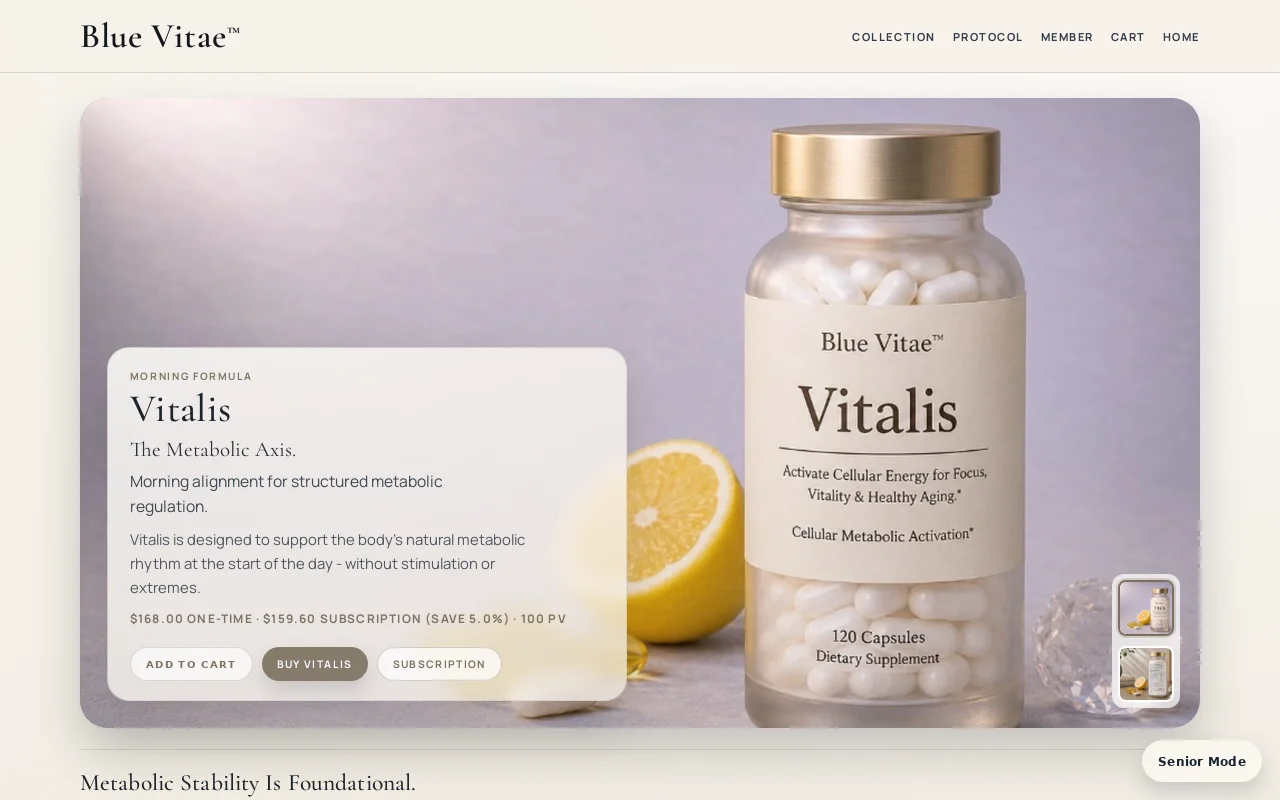
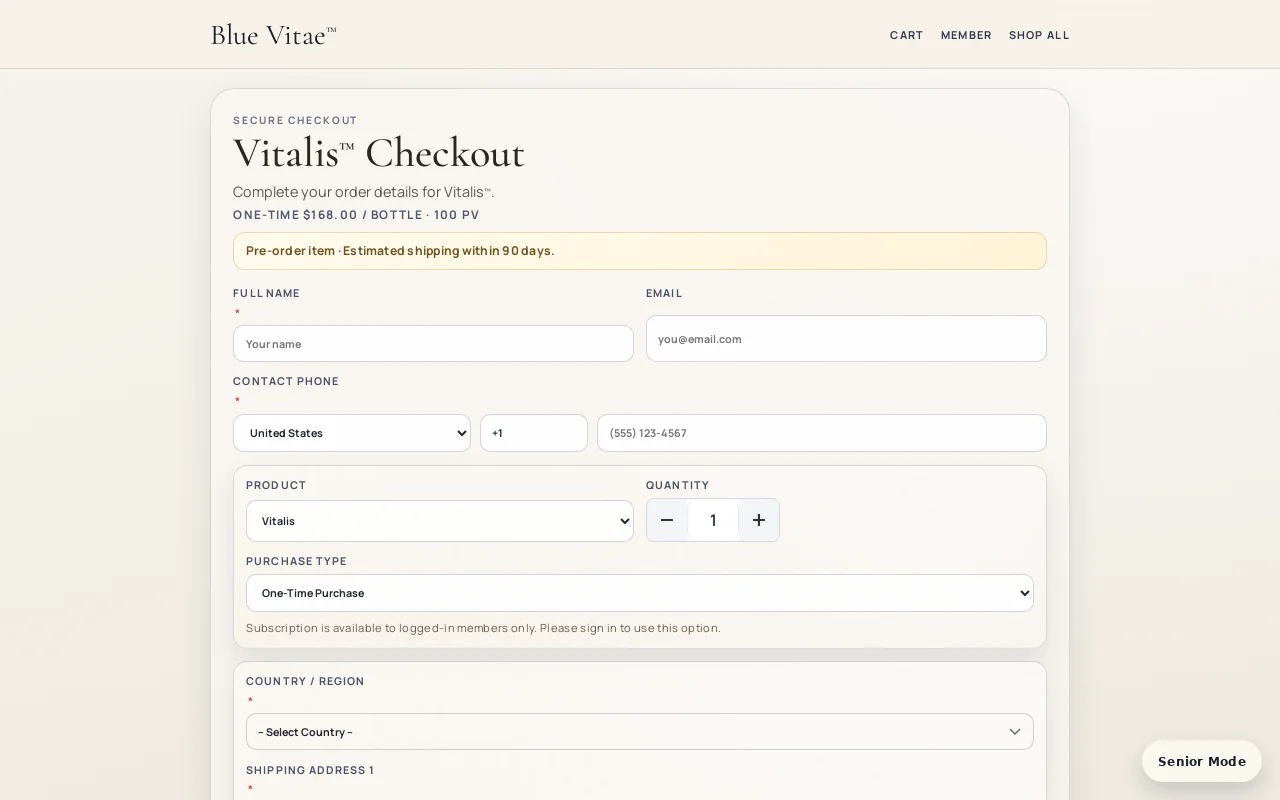
- Choose your products: Vitalis (morning energy), Luméa (cellular radiance), or ReGenesis (night renewal). Each bottle is 100 PV. You need at least 5 bottles (500PV) on your first order to activate SVIP.
- Click "Buy Now" on the product page to go to checkout.
- Select your purchase type (one-time or subscription), fill in shipping and payment details, then complete the order.
- Once your first order of 500PV or more is confirmed, your account is automatically upgraded to SVIP status!
Apply for Your BV Mall Store
Open your own merchant store on BV Mall as an SVIP member
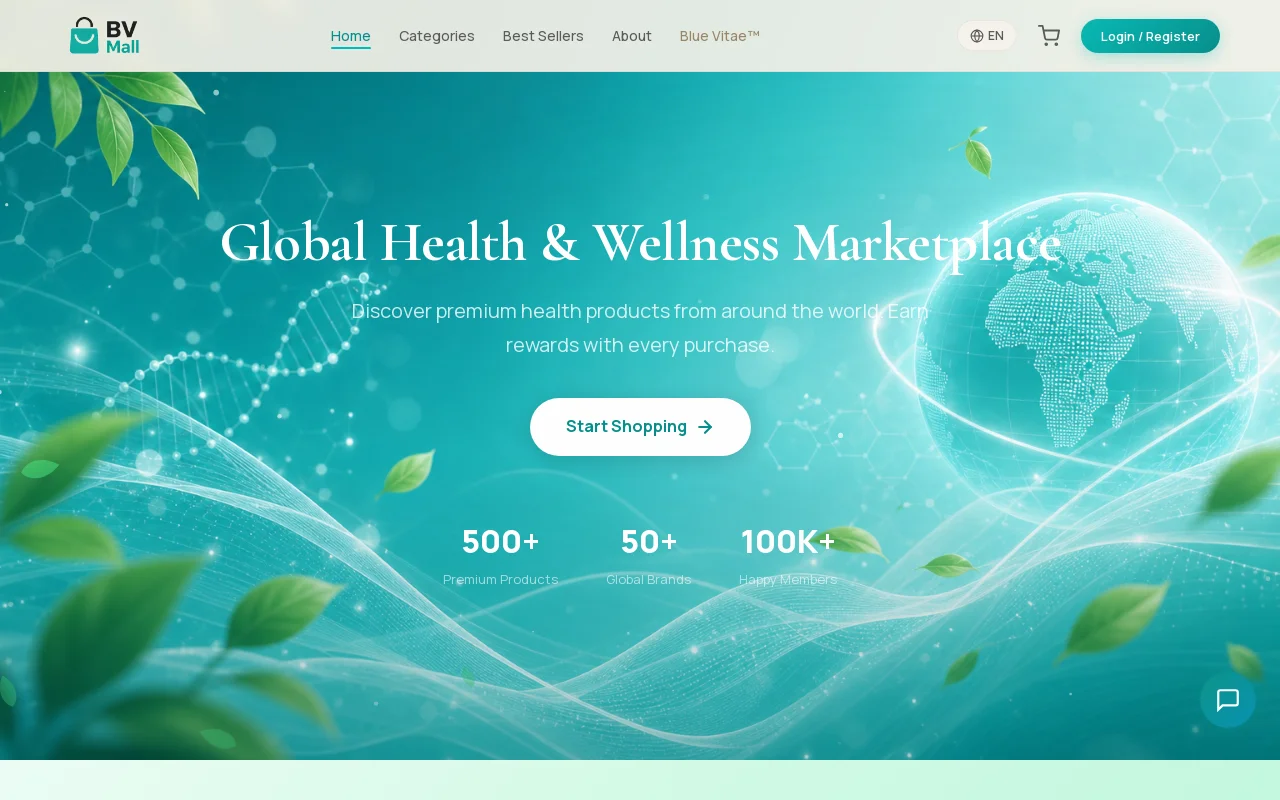
- After activating SVIP, go to BV Mall by clicking the "BV Mall" link in the navigation bar (you'll be logged in automatically via SSO).
- On BV Mall, navigate to "Merchant Center" or "Open Store" in your account dashboard.
- Fill in your merchant application: store name, description, product categories, and contact information.
- Submit your application for review. The BV team will process it typically within 1-3 business days.
- Once approved, your store is live! Manage products, orders, and earnings from the BV Mall Merchant Center.
Frequently Asked Questions
How much PV do I need for SVIP?
Your first order must be at least 500 PV (5 bottles, any combination of products). Once your first order reaches 500PV, SVIP is automatically activated.
Can I register without an Invitation Index?
Yes, you can register without one. However, having an Invitation Index connects you to a sponsor's network, which is important for future commissions.
How long does merchant approval take?
Typically 1-3 business days. You'll receive a notification when your store is approved.
Can I open a BV Mall store before becoming SVIP?
No, SVIP status is required to apply for a BV Mall merchant store. Complete a purchase first to activate your SVIP.